Tagging Methods
Choose the Right Tool for Every Moment
At GotPhoto, we understand that every photography session is unique. That’s why we offer a comprehensive suite of tagging methods to suit any scenario. From QR tagging to tethered tagging and manual input, GotPhoto provides all the tools you need to keep your workflow efficient so you can focus on what matters most—capturing the perfect photo.
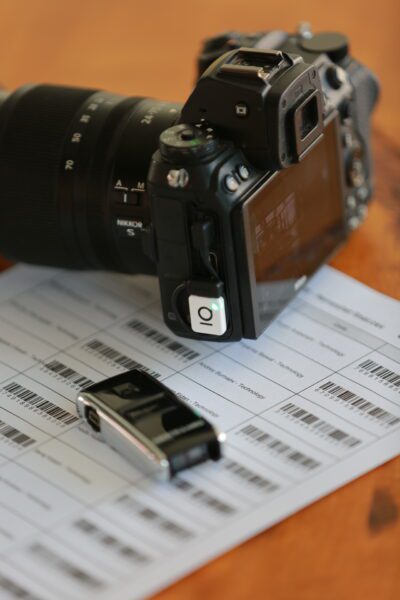
Barcode Scanning with Entagged
Attach the Entagged device to your camera and begin scanning barcodes in the free Entagged app, then simply tap the name and photograph in sequence. It’s that easy! The sequence is saved in the photograph’s metadata, allowing for automatic sorting when uploading into GotPhoto.
Benefits:
- Scan and save the barcode in the metadata of each photo
- No need for manual organizing and tagging post-shoot
- Bluetooth technology and free Entagged app
Entagged App Name List Feature
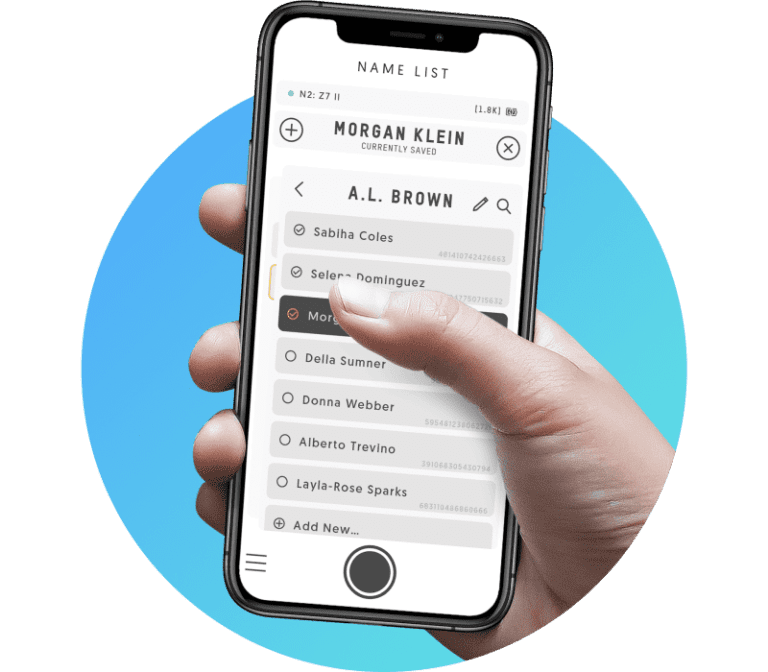
The Name List tagging method, a feature of GotPhoto’s Entagged app, allows photographers to efficiently organize photos by scanning or tapping names from a pre-uploaded list.
This method embeds the subject’s information directly into the photo metadata, eliminating the need for manual tagging and enabling automatic sorting into private galleries.
Benefits:
- Sync with Ease: Import and update name lists automatically from GotPhoto.
- Real-Time Updates: Changes in Entagged instantly reflect in GotPhoto.
- Stay Organized: Sort and manage names effortlessly.
- Mobile Ready: Access lists on the go during shoots.
- Boost Accuracy: Ensure perfect image tagging for happy clients.
QR Cards
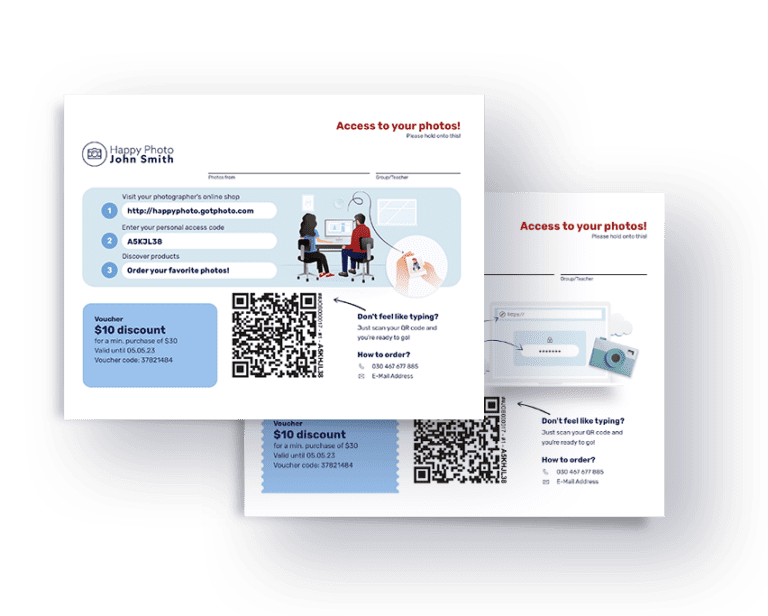
QR cards offer a fast and reliable method for linking photos to the correct subject during a shoot.
Each subject receives a unique QR code that, when scanned, automatically associates their images with their data in the system, sorting them into individual galleries and saving hours of post-processing time.
Benefits:
- Functionality: Each QR card contains a unique code that instantly matches images to the correct subject.
- Integration: Works seamlessly with GotPhoto’s system, allowing efficient data management and organization.
- Ease of Use: Requires no technical expertise—just take a picture of the QR card and continue photographing your subject.
- Customizable Branding: Market your business by adding your logo, brand colors, business phone number, and email.
Tethered Tagging
Tethered tagging with GotPhoto enhances workflow efficiency by allowing photographers to instantly view and manage images on a larger screen, ensuring high-quality captures with fewer shots.
This method streamlines operations by integrating seamlessly with data management systems such as QR codes, reducing the risk of data loss and facilitating real-time adjustments.
Manual Tagging
Manual tagging in photography involves manually labeling images with specific identifiers or metadata, allowing photographers to organize and manage their photo collections efficiently.
This method offers a personalized approach to image sorting, ensuring that each photo is precisely categorized according to individual details or client specifications, which is essential for tailored client experiences.
Transform Your Business